
The short answer
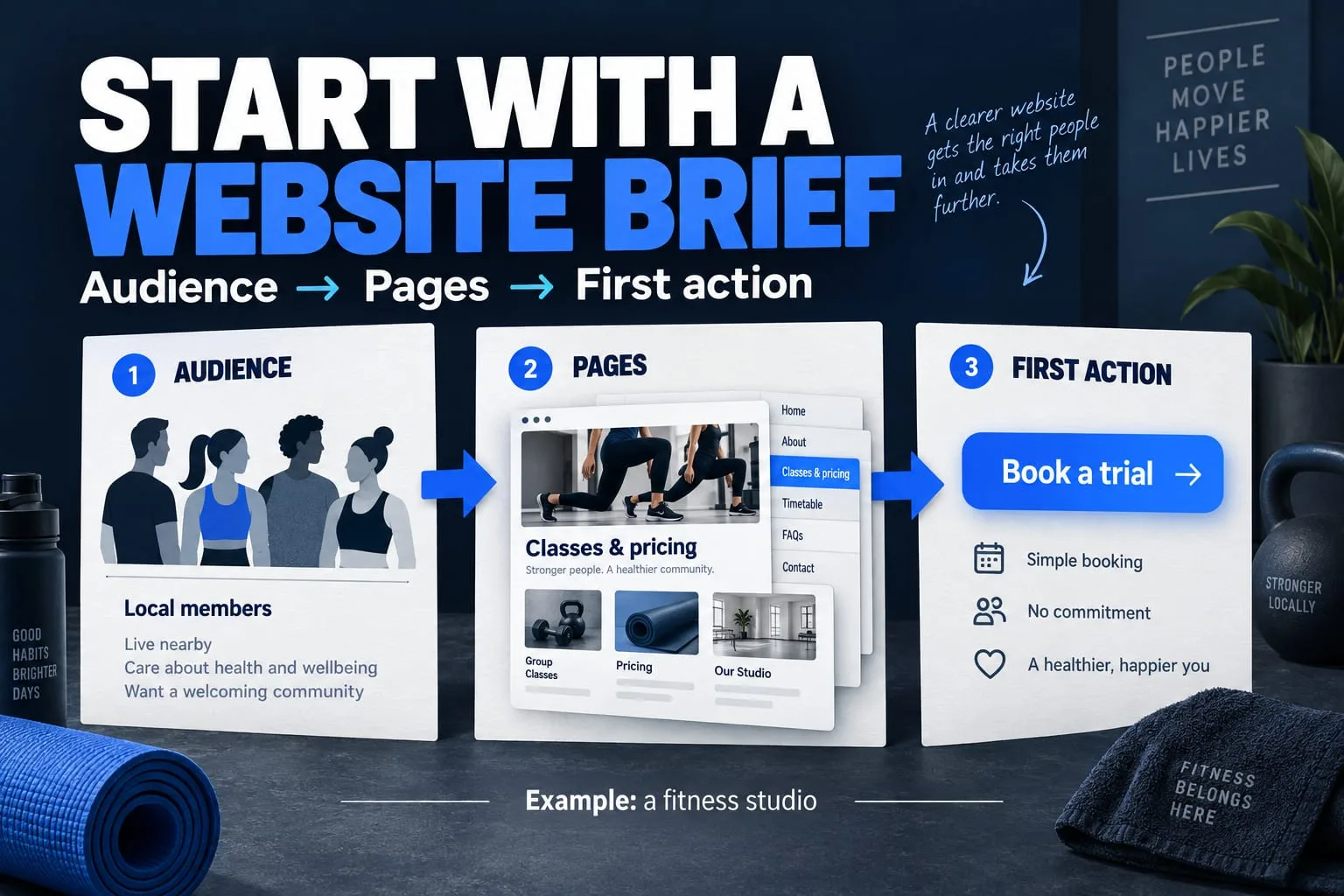
A useful website brief names the person you want to help, the action they should take and the content needed to make that decision. Start there before choosing visual effects or technology.
A website project gets difficult when everyone is imagining a different result. The founder is thinking about enquiries, the designer is thinking about the experience and the developer is thinking about how it will work. A clear brief gives those conversations a shared starting point.
You do not need a polished presentation to begin. A short document with real decisions, a few references and a list of unanswered questions is more useful than pages of vague instructions. Here is a practical structure you can adapt for a company website, a service business or a product landing page.
1. Describe one primary visitor
Write down who arrives, what they already know and what they are trying to decide. “Everyone who needs a website” gives a team very little direction. “A business owner comparing options for a first company website” suggests different language, evidence and next steps.
If you serve two audiences, give them separate paths. A potential client needs to understand your services and how to begin. A person exploring a future product needs to understand its purpose and current availability. Making both visitors read the same pitch can obscure the decision each needs to make.
- Who is the primary visitor?
- What question brought them here?
- What would help them trust the information?
- What should they be able to do next?
2. Choose a primary action
An action should be specific enough to design around. Examples include requesting a consultation, sending a project brief or viewing a product demonstration. Decide what information a visitor needs before that action, and what they should see after taking it.
For a new service business, email or a clearly labelled WhatsApp link may be sufficient for an initial enquiry. An account system adds password recovery, permissions, data retention and support work. Include it when it serves a defined customer journey, rather than because every competitor has a sign-in button.
3. Map pages to visitor questions
Give each planned page a job. The following is a starting point to discuss, rather than a fixed package every business needs.
| Page | Question it should answer | Content to prepare |
|---|---|---|
| Home | Is this relevant to me? | A clear offer, audience paths and next step |
| Service | What can you help me with? | Scope, process, limitations and examples |
| About | Who is behind this? | Real identity, purpose and operating details |
| Contact | How do I start? | Current channels and what to send |
| Privacy / terms | What happens to my information? | Details matching the actual site and services |
4. Separate approved assets from references
Supply the actual logo, usable photographs and confirmed contact links in one place. Mark which files are approved for publication. A reference website helps explain pacing, typography or layout; it does not grant permission to copy its photography, branding or text.
List the facts that can be stated publicly. Do not turn a planned product into an available product, or a demo into a customer result. If an image contains personal information or a private dashboard, prepare a publishable version before it enters the design.
5. Make constraints and ownership explicit
Give a working budget range, the reason for the deadline and the person who will approve content. Note existing hosting, domain ownership and any systems that must remain in place. Keep passwords and API keys out of the brief; arrange access through the provider's appropriate invitation or secure access method.
Name who will update the site after launch. A small site can use reviewed content files; a team publishing frequently may need an editorial system. The right choice depends on the editing workflow and maintenance capacity, not on the longest technology list.
6. Agree on observable launch checks
Replace “make it professional” with checks you can actually review. Walk through the site on a phone, open it using the keyboard and follow the enquiry route. Confirm that content stays readable when motion is disabled. W3C's preliminary accessibility checks offer a useful starting point, but a short checklist is not a complete accessibility audit.
A brief can also record unresolved decisions. Label them with an owner and a date to revisit. This lets a team build the agreed part without silently guessing about prices, legal details or product promises.
- Every published page has approved content and a useful next step.
- Navigation and contact links work on desktop and mobile.
- Keyboard focus is visible and important controls have understandable labels.
- The live domain uses HTTPS and the enquiry reaches the intended destination.
- The owner has the agreed handover information and update process.
Write the first three lines
Our primary visitor is ___. They need to understand ___. After visiting, they should be able to ___. If the team disagrees on these lines, resolve that before discussing page effects.
Download the website brief template ↓Further reading
Primary references for the technical points in this guide. The planning examples and checklists are NEXVORA's recommendations.